

Why a TikTok brand match can go missing, and how to check it
Separate missing video coverage from missing product evidence and wrong brand identity before repeating a TikTok scan.
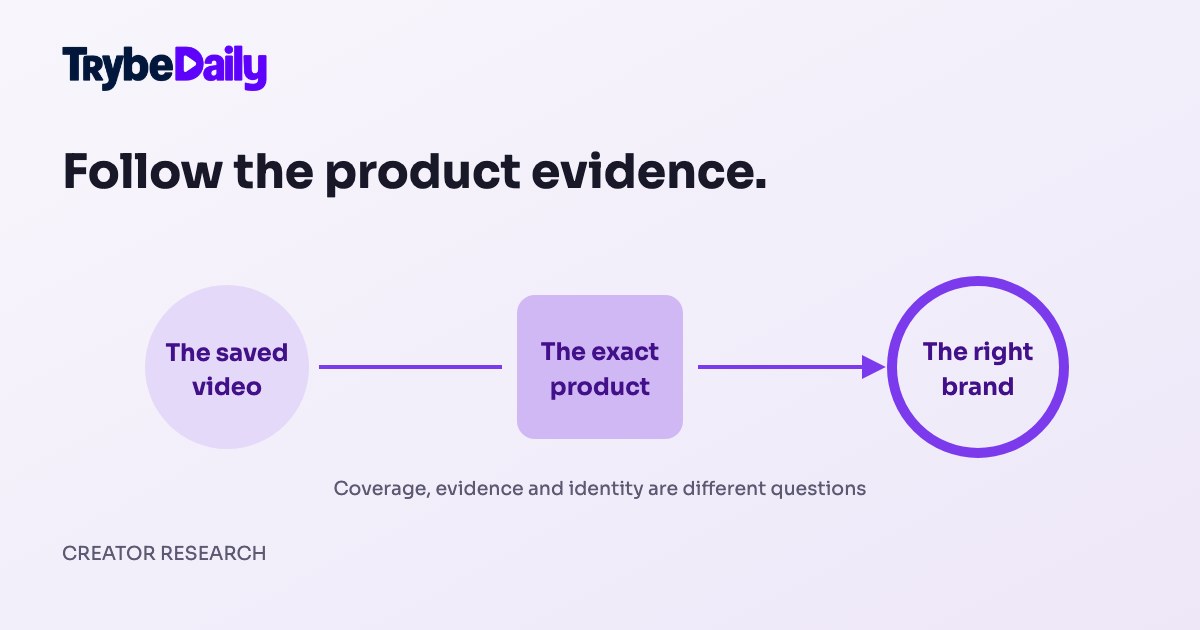
You remember filming a product, but the matching page does not show it under the brand you expected. The natural response is to run the scan again. Sometimes that helps; sometimes it repeats the same uncertainty. The useful first step is to find out whether the video was collected, whether there was enough product evidence, and whether the evidence pointed to the right brand.
These are separate questions. A public TikTok scan and a refresh of your own Trybe account read different sources. A TikTok match helps connect a public video with a possible brand program. It is not a Trybe submission, an approval, or confirmation that the video earned money.
Check whether the video is in the saved scan
Start with one specific video you know is missing. Copy its direct TikTok link and note the product or brand you expected. Check whether it appears under another matched brand. The results page does not show a complete list of every unmatched post, so a missing video on that page does not establish whether it was collected. Support can check the retained evidence for that specific link. This is much more useful than reporting that an entire account looks wrong.
If support confirms the video was absent from the collected history, the problem is coverage. Look at the scan's date, completion state and any warning that it stopped early. A provider can return only part of the available public history, and a saved result is a snapshot of what the scan actually received. Do not infer that a video was analyzed just because the account scan finished.
The missing TikTok matches guide explains the current troubleshooting and reporting flow. Before repeating a full scan, keep the direct video URL. It gives support a way to investigate a known example instead of trying to rediscover it across your whole history.
Check what product evidence was available
If the video is present but unmatched, open it and compare the saved evidence with what a person can see in the post. A viewer might recognize a product from its packaging or spoken name, while the collected record has only a short caption or an incomplete product attachment. Those are different evidence sets.
An attached product's full title can be especially useful. A generic caption such as “my morning routine” might not identify the manufacturer, while the product link may name it clearly. TrybeDaily currently matches attached product information; a caption or packaging visible on camera alone does not establish a match. A video can therefore feature a product even when the collected record cannot identify its brand.
This public brand page illustrates why exact product names matter. Several coffee products belong to one brand, but “coffee” on its own would not identify that brand. The image is a dated interface example; its rates and product catalogue are not a current offer.
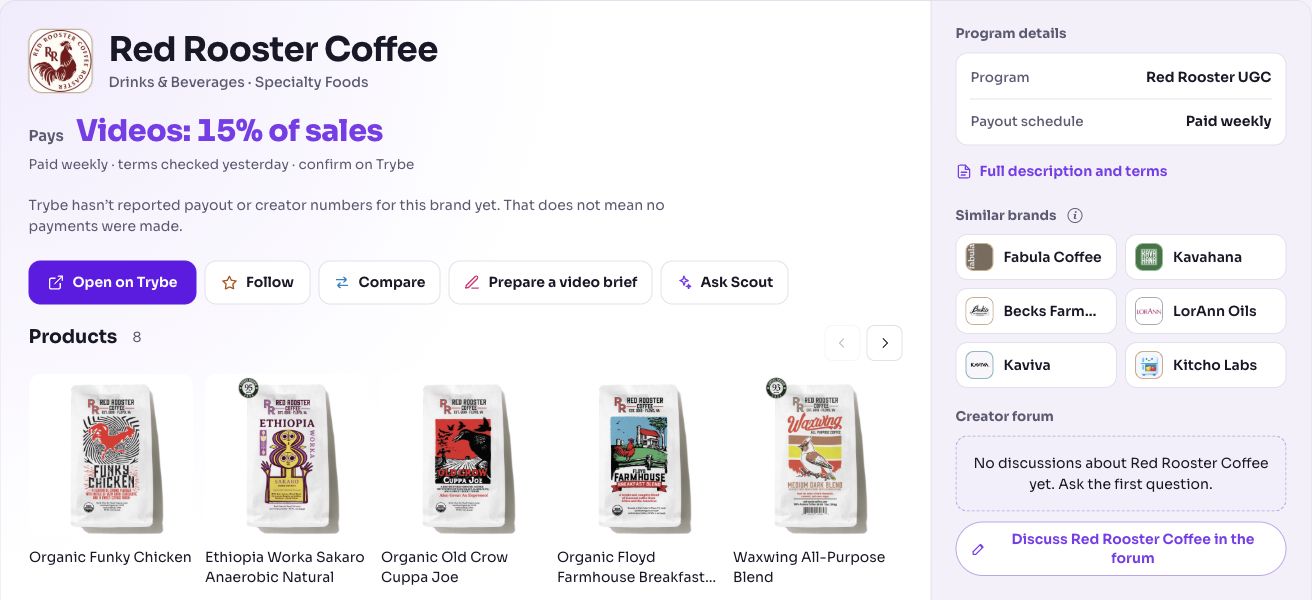
TrybeDaily deliberately prefers an empty match to a confidently wrong brand. If the available evidence cannot distinguish two possibilities, showing no match is more honest than attaching your video to the first familiar name. That does not mean your video has no product; it means the saved evidence has not established the identity.
Similar names need an exact identity check
Some names are particularly easy to confuse. A short brand name can also be a common word, or form part of another company's longer name. “Haus” and “Haus Labs” are a good example of why the full identity matters. A shared word is not enough to merge two brands.
When a result looks wrong, open Why this matched and compare the product title, the visible brand identity and the destination program. A correct comparison uses the brand's full name and relevant product context. It should not strip the extra word that differentiates one company from another.
Report both sides of the mistake: the brand the system showed and the brand the video actually featured. Include the direct video link and, if helpful, the product title you see on the post. Do not change a caption merely to make a scan agree with you. The aim is to correct the interpretation of evidence, not to rewrite history around a tool.
A rebuild and a new scan solve different problems
A correction to brand identity can be applied to saved evidence. In that case a support rebuild can produce updated matches without collecting the entire public account again. That is useful when the video and its product evidence were already present but the brand rule was wrong.
If the video or a needed product field was never collected, changing the brand rule alone cannot supply it. A targeted lookup or a later scan may be needed. Support should explain which case applies and whether it involves fresh collection. There is no reason to ask you to repeat a full scan automatically before that distinction is made.
The same distinction helps fixes benefit more than one account. A general correction to a product identity or matching rule should be tested against other relevant saved evidence. A manual change to one person's result is not, by itself, proof that the underlying issue has been fixed for everyone. When an older result has been rebuilt, its updated state should be checked rather than assuming a code release changed every saved snapshot.
Send a report that can be acted on
Use Missing a brand or video? Report a match from the matching results, or Report a wrong match on the affected brand card. The most useful report includes your direct video URL, the expected brand, and one sentence explaining the missing product or wrong identity. Keep unrelated account details out of the note. Our match correction guide shows the task steps.
If you contact support instead, the same evidence is useful. Say whether the video is absent from the scan, present but unmatched, or attached to a different brand. Those three descriptions point to different investigations and reduce unnecessary rescanning.
Once the match is corrected, return to the program itself. Read the terms before filming or submitting, and confirm any account-specific eligibility in Trybe. Finding the right program is a research result, not an application or an approval.