

Creator community
How do I start or reply to a discussion?
Connected members can post first-hand questions and experiences.
In an available board, start a discussion or open a thread and reply. You can add a topic tag and follow discussions for updates. Your posts keep one alias and avatar within that discussion, and use a different one in another discussion, unless you are posting in an authorized staff or brand role.
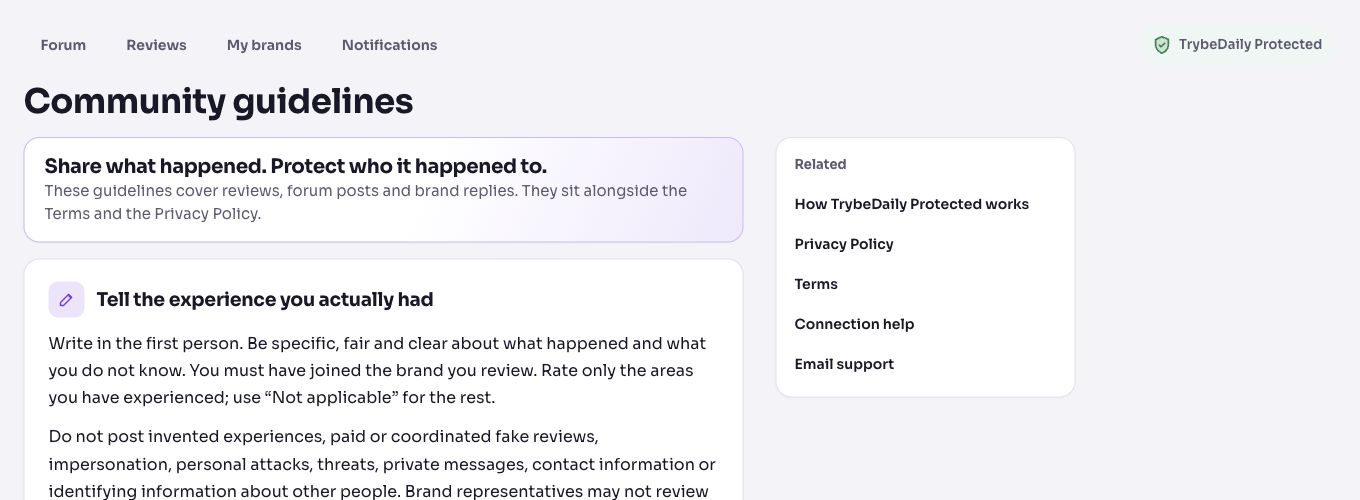
Avoid contact details and identifying details about other people. Read the community guidelines before posting a warning.
Reply to a particular person
Choose Reply to this post underneath their message. Your reply appears in the same conversation with a quote, rather than in a separate nested thread. Check the quoted message above the reply box before posting; cancel the quote to write a general response.
Where notifications appear
Following a discussion gives you on-site reply alerts. A reply quoting a post also alerts that post’s eligible author on-site. These alerts appear in TrybeDaily notifications; forum email delivery is currently off. The person must still have access to the discussion to receive its reply alert.
The forum’s main discussion list puts the most recently active conversations first. New replies move a conversation up; reading it or editing an existing message does not create new activity.
View related page